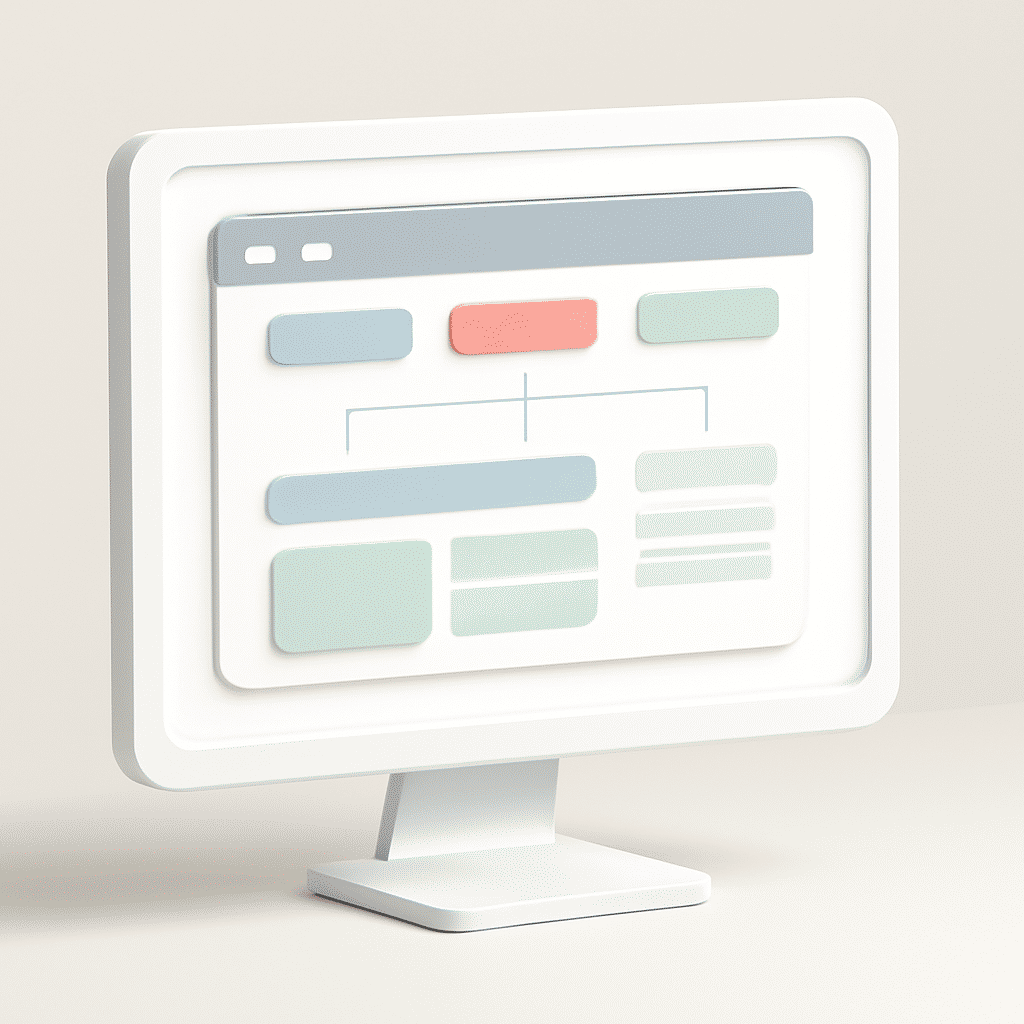
Creating intuitive navigation systems is a crucial component in enhancing user interaction with any digital platform. Effective navigation helps users find what they need quickly and effortlessly, ultimately leading to a more satisfying experience.
-
Understand Your Audience: The foundation of intuitive navigation is having a deep understanding of your audience's needs and behaviors. Conduct surveys, usability tests, or gather feedback to comprehend what users prioritize when they visit your platform.
-
Keep It Simple: Simplicity is key. Avoid overwhelming users with too many options. A clean and straightforward layout, with a primary focus on essential paths and actions, is more effective in guiding users.
-
Consistency is Crucial: Ensure consistency in navigation elements throughout your platform. Whether it’s the positioning of menus, the terminology used, or the style of links and buttons, consistency helps users form a mental map of your platform.
-
Use Descriptive Labels: Navigation labels should be clear and descriptive, eliminating any guesswork about what users will find when they click on a link. This clarity enhances the user experience by reducing confusion and making journey paths easier to follow.
-
Implement Responsive Design: Ensure your navigation is responsive and adapts seamlessly across different devices, including desktops, tablets, and smartphones. This ensures all users have an equally positive experience, regardless of their device.
-
Prioritize Key Paths: Identify the most important user actions and make those paths the easiest to find and follow. Use call-to-action buttons and highlights to guide users towards these sections without being intrusive.
-
Utilize Search Functionality: Implementing a robust search feature can greatly enhance navigation by allowing users to bypass complex menus and directly access the information or resources they seek.
-
Incorporate Visual Hierarchy: Use visual design elements like size, color, and space to create a hierarchy that naturally guides user attention and indicates the relative importance of different navigation elements.
-
Test and Iterate: User behavior and preferences can change over time. Regularly test your navigation systems with actual users and gather data to identify pain points or areas for improvement. Use this feedback to make informed revisions.
-
Provide Feedback: Ensure your platform gives users feedback when they interact with navigation elements. Simple animations or color changes can confirm action, providing a seamless user experience.
By focusing on creating intuitive navigation systems, you can significantly improve how users interact with your platform. This not only enhances their satisfaction but also encourages repeated engagement. Remember to regularly assess and adapt your navigation design to meet evolving user expectations and technological advancements.